Garage Door Not Responding to Remote? Quick Fixes That Actually Work
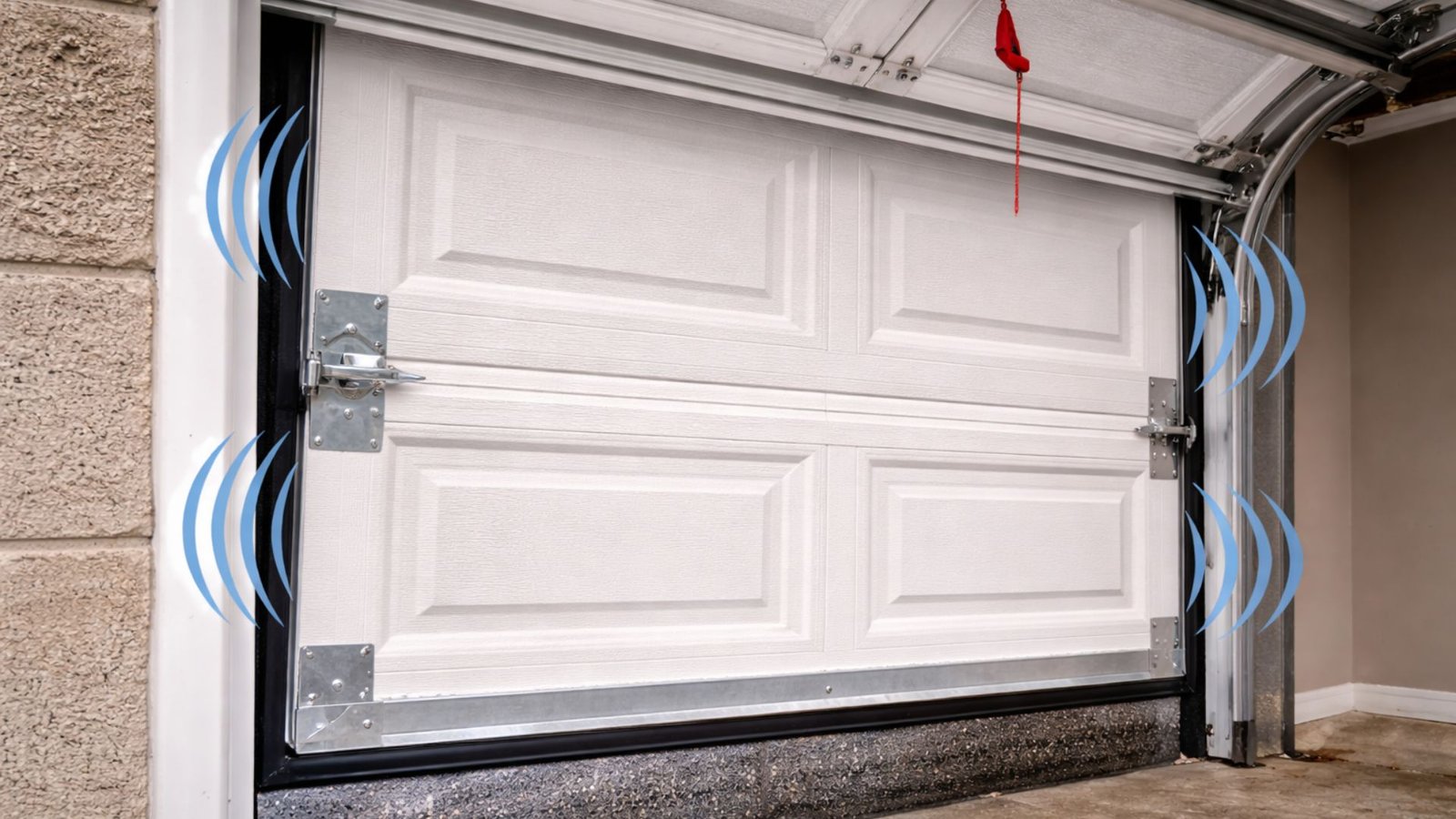
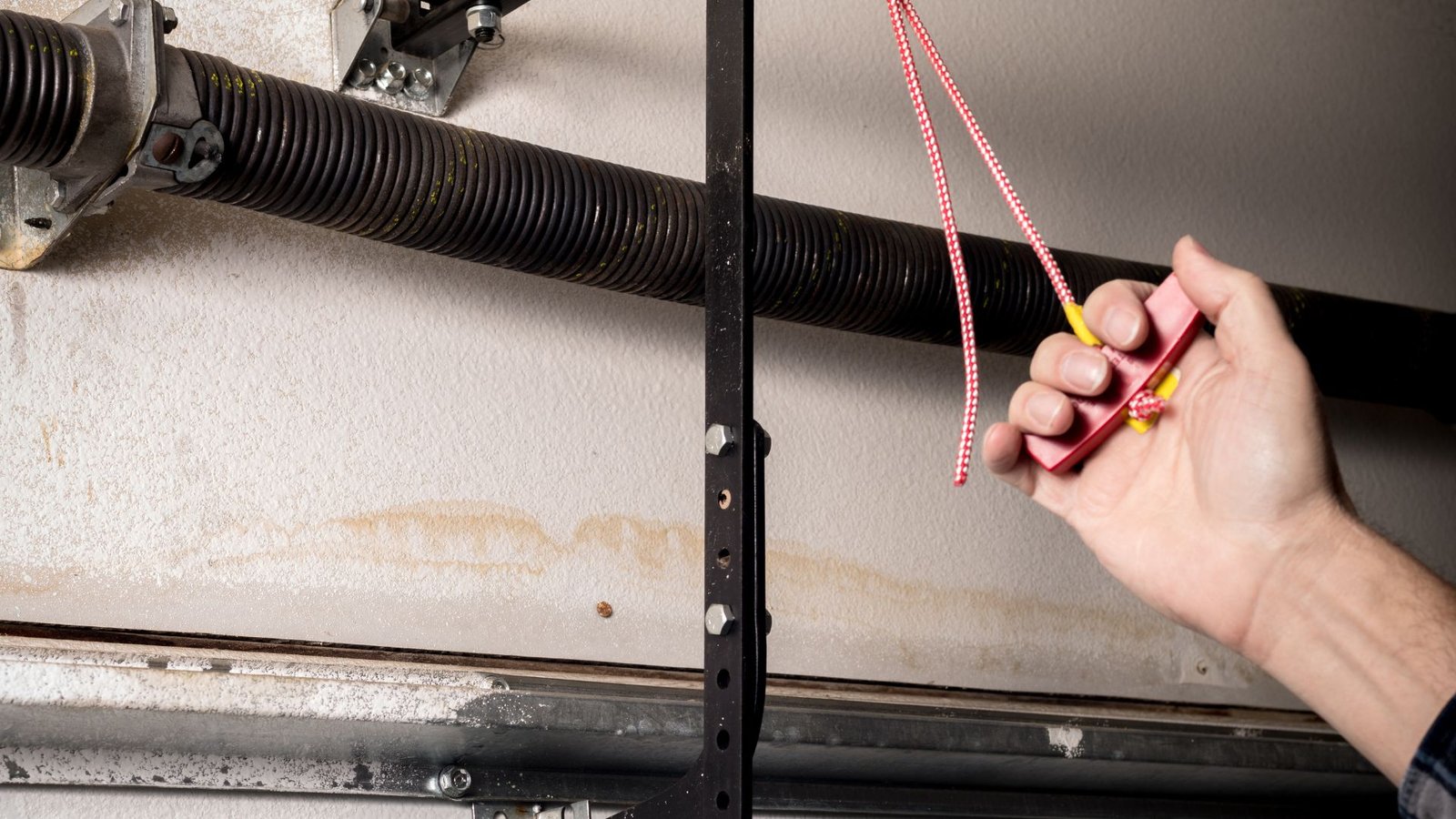
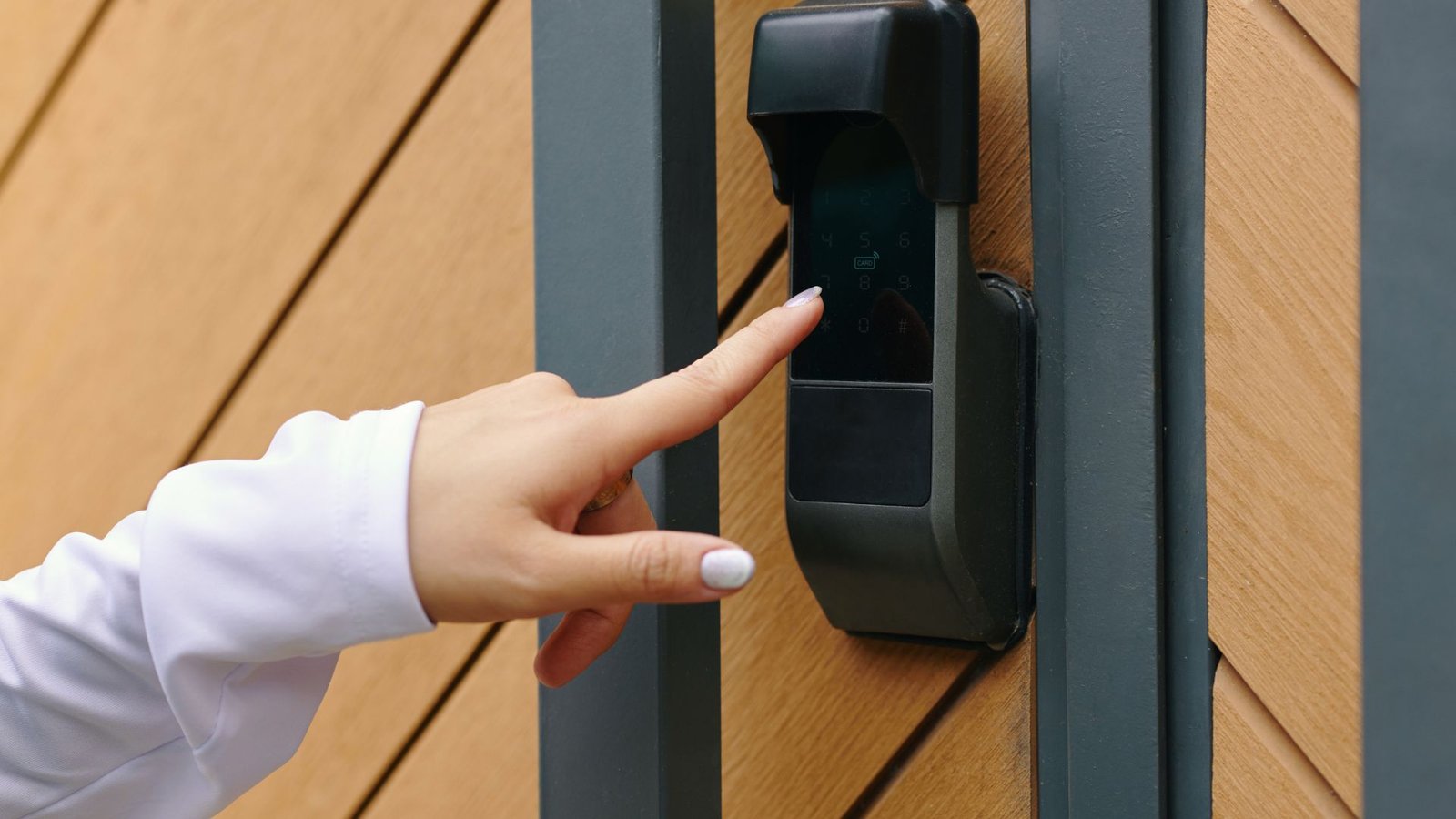
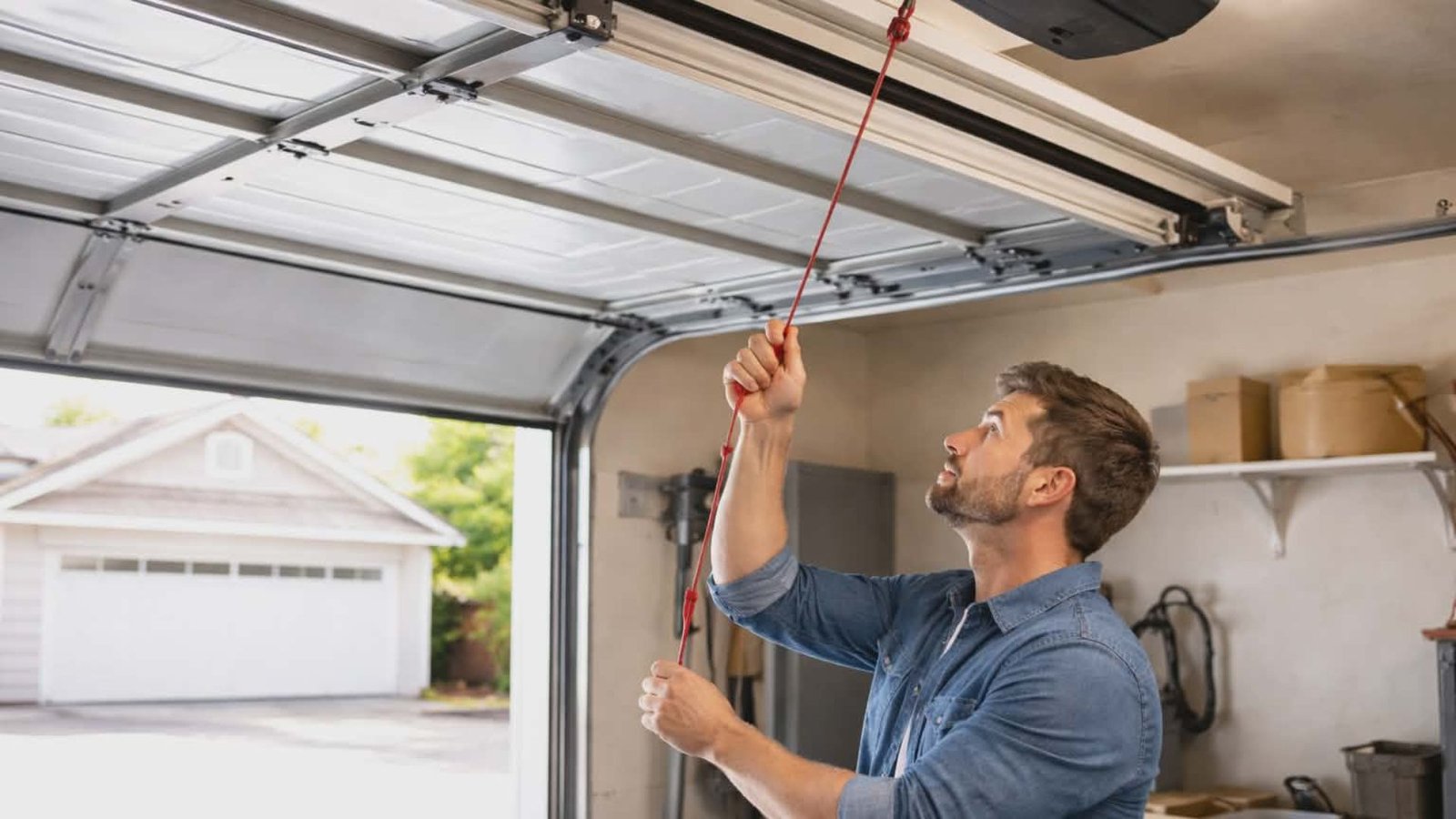
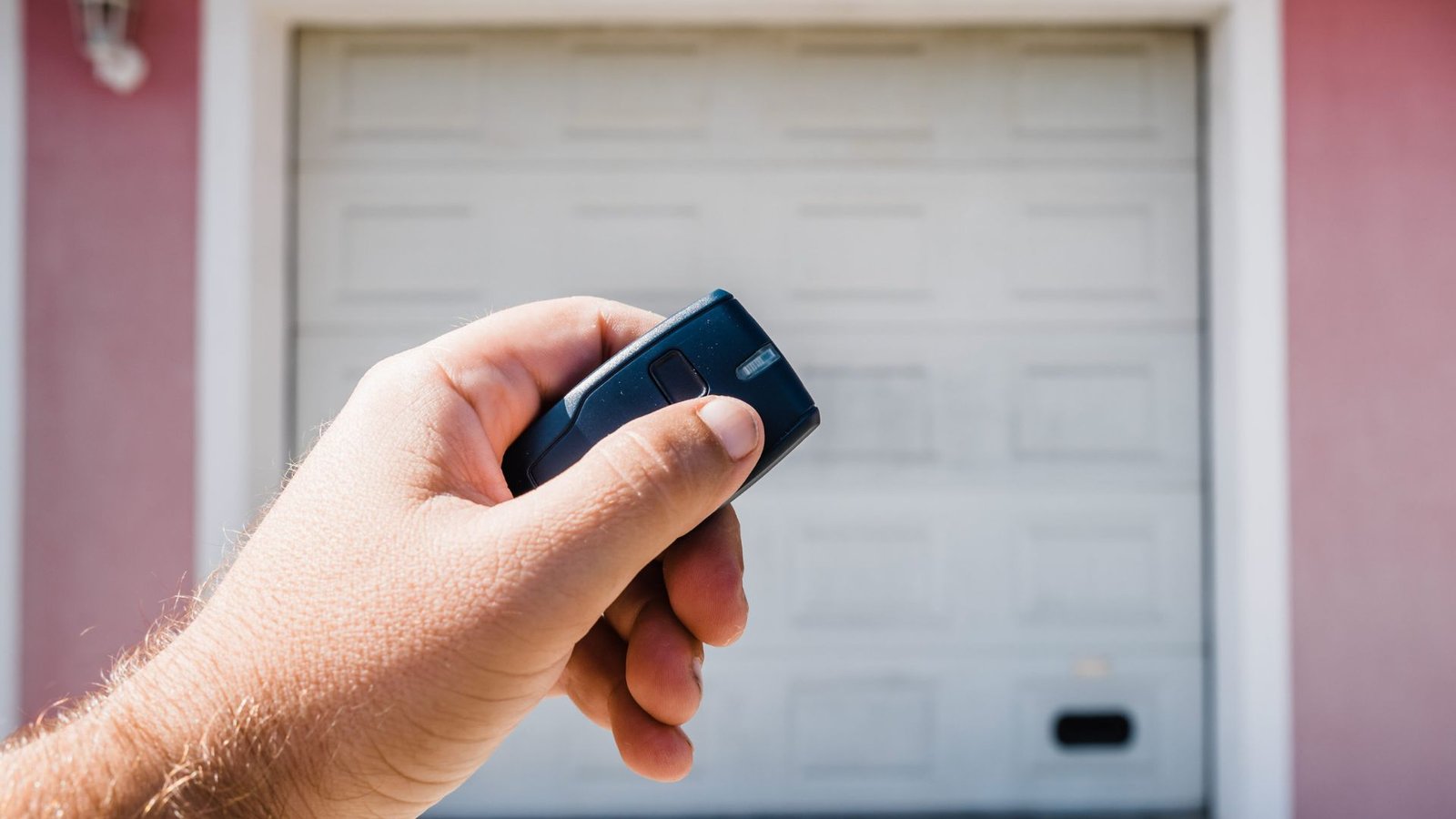
Garage Door Not Responding to Remote? Quick Fixes That Actually Work Is your garage door remote not working, no matter how many times you press the button? Few things are more frustrating than pulling into the driveway and pressing the remote control, only for nothing to happen. Whether it’s before work or after a long day, you expect your garage doors to open or close smoothly every time. At 2Quick Garage Doors, we understand how annoying and puzzling this situation can be. The good news? In many cases, your garage door not responding to the remote can be fixed with a few simple troubleshooting steps. Let’s walk you through why garage door remotes stop working and how to get your opener system working again. Common Reasons Why Your Garage Door Isn’t Responding to the Remote There can be several reasons why your garage door remote isn’t working. Sometimes it’s a quick fix, other times, it may require professional help. Below are the most common culprits. Dead Batteries in the Remote It may sound obvious, but batteries are the most common reason your remote control stops working. After you replace the battery, press the remote control again. Often, that’s all it takes to get things working smoothly. Sensor or Signal Interference Your garage door opener uses radio waves to communicate with your remote. If there’s interference with garage signals, the door may not respond. Types of interference include: Try turning off nearby electronics and changing your opener’s frequency (if your model allows). Some LiftMaster and Chamberlain models let you change frequencies to reduce electromagnetic interference. You Need to Reprogram the Remote If the batteries are good and there’s no interference, your remote may simply need reprogramming. Here’s how to reprogramme most garage door openers: Double-check your opener manual (or search your model number on YouTube for step-by-step instructions). This is a common solution, especially if you recently had a power outage. Safety Sensors Might Be Misaligned Modern garage doors come equipped with safety sensors that prevent the door from closing if there’s something in the way. If these sensors aren’t aligned properly, it prevents the door from closing or may cause the remote to stop working. What to look for: Clean the lenses, align the sensors, and ensure the indicator light is steady—not blinking. Lock Button on the Wall Panel Was Accidentally Activated If your wall control is working but your remote doesn’t, the lock button might be on. Most garage door openers have a lock feature that disables remote signals as a security measure. It’s an easy fix, yet one that trips up homeowners all the time. Exploring the Opener System: Reset, Repair, or Replace? If basic steps didn’t fix the issue, it’s time to inspect your opener system more thoroughly. Check Your Garage Door Opener’s Status Light On many models, the garage door opener unit includes an indicator light. If this light is not on or blinking abnormally, it can point to deeper opener issues like: In some cases, you may need to reset your opener. To do this: Still no luck? Then it might be time to speak with a local garage door technician about garage door opener repair and installation options. This is especially important if your opener no longer responds to any remotes or the wall switch. Need help? Visit our garage door opener repair and installation service page for expert support. Wall Button Works But Remotes Don’t? If the door still opens via the wall switch or wired keypad but doesn’t respond to any remote controls, there’s a chance the radio receiver inside your garage door opener has failed. This small component listens for signals from the remote and tells the door to move. If damaged, you might notice: A faulty receiver will require either professional troubleshooting or replacing your opener or control panel. Try Universal Remotes or New Remotes If the remote itself may be broken, or you’ve confirmed that your current remote doesn’t work after all other fixes, consider these next steps: Don’t forget: with many remotes, you’ll still have to reprogram them using the learn button on your garage door opener. Advanced Troubleshooting Tips for Stubborn Cases If your garage door remote stops working but everything else seems in order, keep these tips in mind. Inspect the Antenna on Your Garage Door Opener Most garage door openers have a hanging antenna that receives the remote’s signal. Test for Remote Control Range Issues Sometimes, the remote doesn’t work until you’re right in front of the garage. That could point to signal range problems caused by electromagnetic interference or even aging electronics. Check the Light Bulb in the Opener Believe it or not, the type of light bulb in your opener can cause interference. Incandescent light bulbs are usually safe, while LED lamps can emit radio waves on the same frequency as your remote. Try switching bulbs and see if it improves remote performance. Preventive Steps to Keep Your Garage Door Working Smoothly Whether it’s heat, dust, or a sudden Texas storm, the weather in The Woodlands can be tough on your garage doors. Keeping everything working smoothly only takes a little routine care. Here are steps to help prevent common issues: When to Call a Garage Door Professional If you’ve tried all of the above and your garage door remote is still not working, it’s time to reach out. An experienced garage door technician can inspect the logic board, opener issues, remote and opener compatibility, and check for hidden problems that the average homeowner might miss. At 2Quick Garage Doors, we specialize in helping homeowners in The Woodlands keep their garage systems in top shape. That includes opener remote re-programming, smart garage system installation, and full replacements when necessary. Final Thoughts So, if your garage door is not responding to remote commands, don’t panic. Begin with simple troubleshooting: These are the most common causes of remote failure and can often fix the issue quickly. Still not working? Don’t wait for a total