Why Your Garage Door Opener Light Stays On And How To Fix It
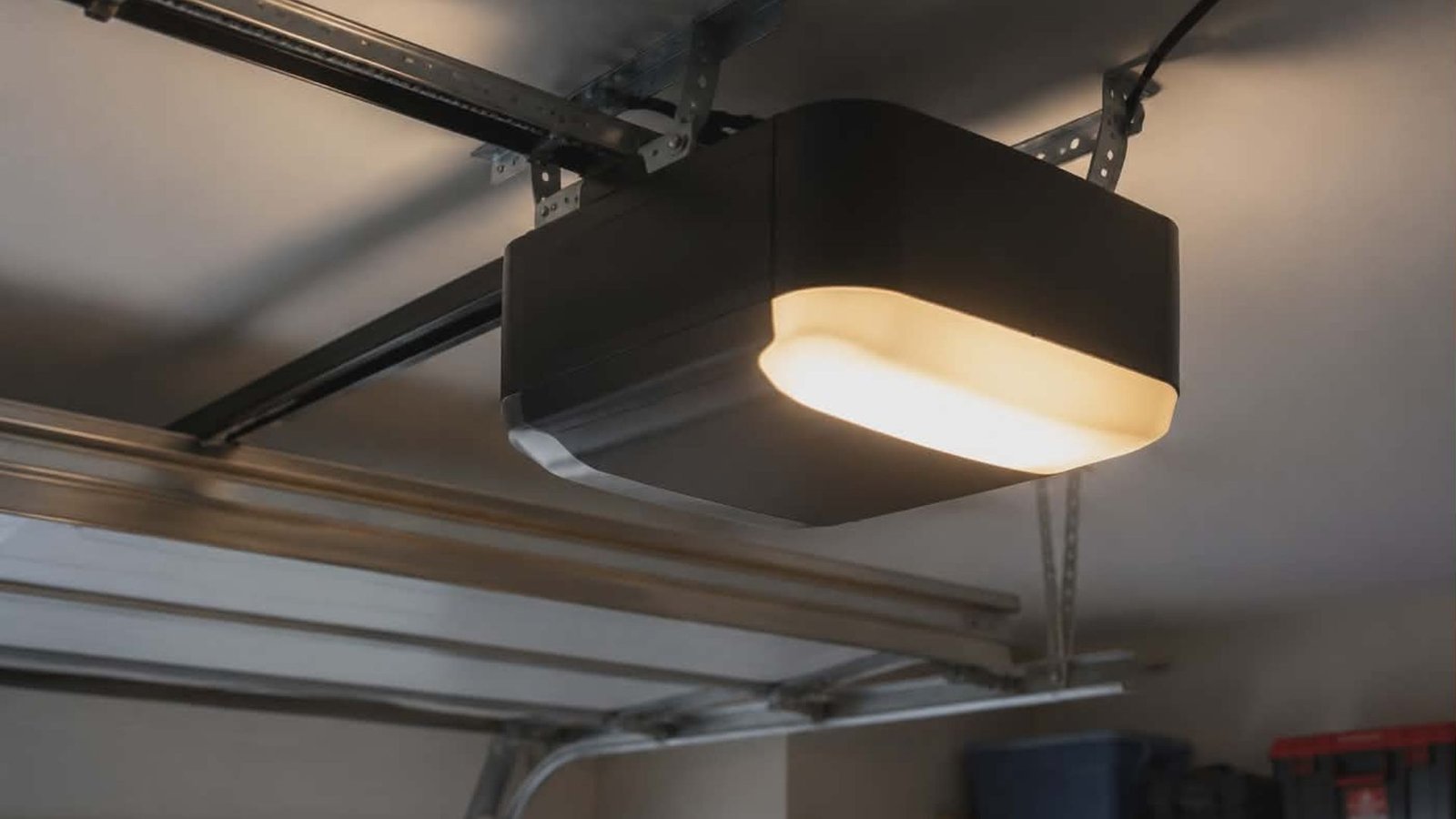
You close the garage door, head inside, and notice the light from your garage is still glowing. It has been several minutes, maybe longer. Sound familiar? A garage door opener light that refuses to turn off is one of the more common issues homeowners deal with, and while it might seem minor, it can waste energy, indicate a deeper problem, or simply be annoying.
The good news is that this issue is usually fixable without calling anyone. But understanding why it happens is the first step.
What Controls the Garage Door Opener Light?
Your garage door opener has a built-in light system designed to illuminate your garage whenever the door opens or closes. Most systems are designed to keep the light on for a set period after each use, typically around four and a half minutes.
The timer that controls how long the light stays on can usually be adjusted. This is done through the wall control panel or the opener’s settings. Most modern openers, including brands like Chamberlain and Genie, let you adjust the light timer using the wall control or the opener’s settings.
Common Reasons Your Garage Door Opener Lights Stay On
The Light Timer Is Set Too Long
This is the simplest explanation. If the opener light stays on longer than expected, your timer may just be set to a high duration. Check the opener’s manual or the wall control to see if you can adjust the light timer. Sometimes, staying on longer than usual is just a matter of tweaking a setting.
A Motion Sensor Is Triggering the Light
Many newer garage door openers include a motion sensor that detects movement and keeps the garage door light on as long as it senses movement nearby. If something in your garage is reflecting heat or moving, such as a fan, hanging objects, or even animals, the motion sensor could be keeping the light active.
If the sensor repeatedly detects movement, the light will keep resetting. Try removing objects near the sensor and see if the garage door opener light stays off.
Sensor Issues from Dirt or Misalignment
The photo-eye sensors near the bottom of your garage door track infrared beams to detect obstructions. Dirt or misalignment on these sensors can cause a glitch in your garage door system that affects more than just door movement. It can also cause the opener lights to blink or stay lit unexpectedly.
Cleaning the sensors with a soft cloth and checking for proper alignment can resolve the issue quickly. Inspect both sensor units and make sure the red light on each one is solid, not blinking.
A Faulty Light Button or Wall Control
If the light button on your wall control panel is stuck or malfunctioning, the garage door opener may receive a constant signal to keep the light on. Inspect the button for debris or physical damage. If the wall control panel is unresponsive or behaves erratically, it may need to be replaced.
Wiring Problems
Damaged wiring or loose wires inside the opener can cause the light to stay on indefinitely.
Wiring connections that fray or short-circuit send incorrect signals to the logic board, which then keeps the light active. You can use a multimeter to check for continuity issues, but if you are not comfortable working with electrical wiring, this step may require professional help.
Check the wiring between the wall control and the opener unit if the light still stays on after other troubleshooting steps.
A Faulty Control Board
The logic board is essentially the brain of your garage door opener. If this printed circuit board develops a fault, it can cause all kinds of strange behavior, including lights that won’t turn off. A faulty control board usually requires a technician to inspect and replace.
How to Troubleshoot a Garage Door Light That Won’t Turn Off
Here are the basic troubleshooting steps to work through before calling for help:
- Check and adjust the light timer through the wall control or opener settings.
- Disable or reposition the motion sensor if your opener has one.
- Inspect and clean the photo-eye sensors for dust or debris.
- Test the light button on the wall control panel for sticking or damage.
- Unplug the opener, wait 30 seconds, and plug it back in to try resetting the opener and clearing any glitches.
- Check the wiring connections for visible damage or loose wires.
If the light still won’t turn off after these steps, the issue may be internal, pointing to the logic board or an electrical issue that needs a licensed electrician or garage door professional.
When to Call a Professional
If the issue persists after basic troubleshooting, or if you are dealing with damaged wiring or a failed control board, it is time to get expert help. Regular maintenance can prevent many of these problems from developing in the first place.
For issues with your garage door opener, our team offers garage door opener repair and installation services to get things working properly again.
We also provide professional garage door repair in The Woodlands for anything beyond a simple fix, along with routine garage door maintenance services to keep your system functioning properly year-round. If you are looking for a full upgrade, we also offer new garage door installation services.
Conclusion
A garage door opener light that stays on is usually the result of a timer setting, a motion sensor, sensor issues, or a faulty component. Most cases have simple solutions you can handle yourself. But when the light still stays on after all your troubleshooting steps, do not ignore it. A dark garage is safer than one with a mysterious electrical issue lurking behind the walls.
Reach out to our team at (346) 574-0359 and let a trusted door company handle it right the first time.