How to Sync a Garage Door Opener to Car: Quick Step-by-Step Guide
Ever pulled into your driveway and wished you could open your garage without fumbling for a separate remote? Syncing your garage door opener to your car makes that possible. It is one of those small upgrades that adds real convenience to your daily routine.
What Is HomeLink and Why Does It Matter?
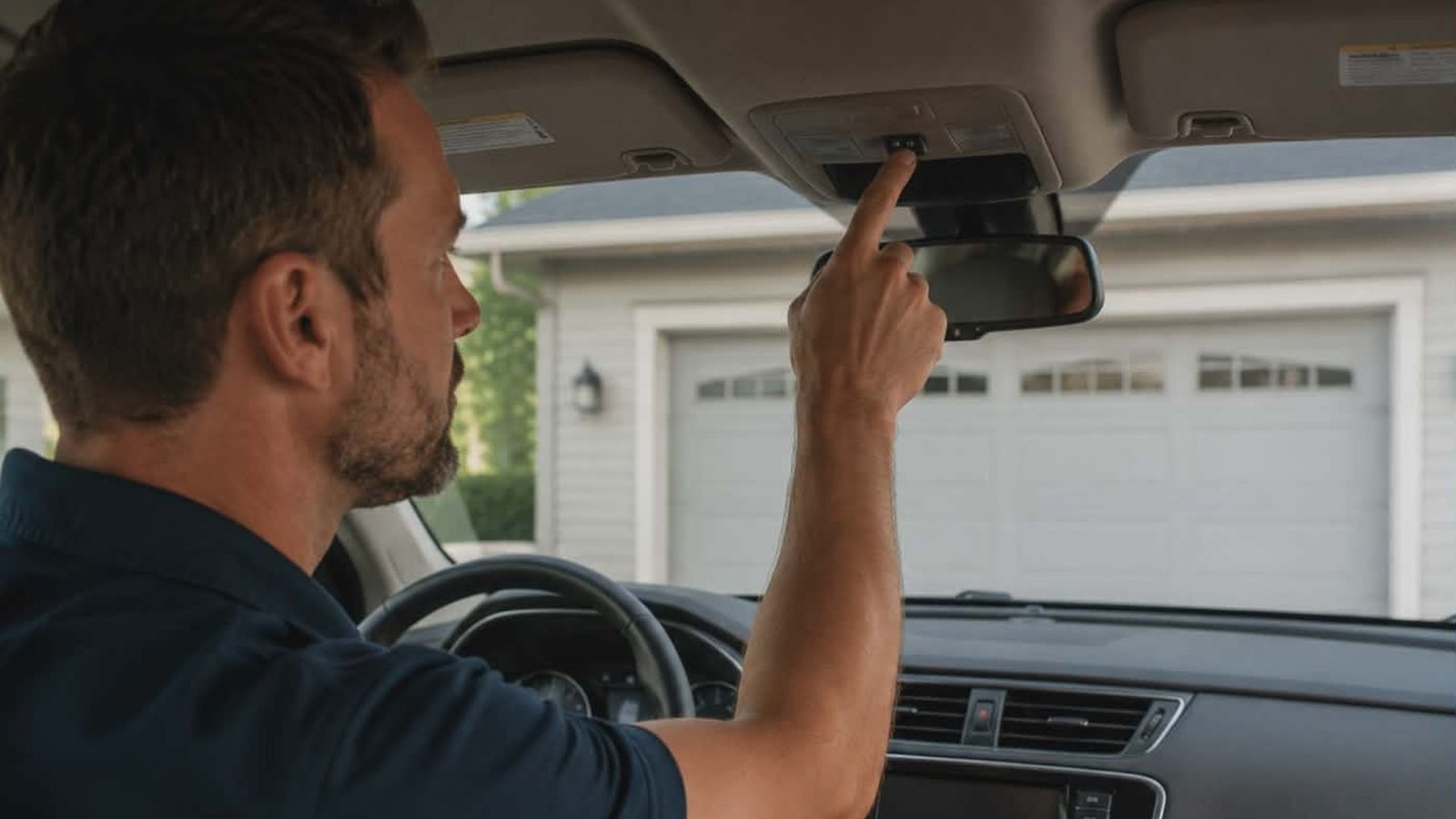
Most modern vehicles come with a built-in system called HomeLink – a technology that lets you integrate your car’s controls with your garage doors. The HomeLink system acts as a radio receiver inside your car’s visor or overhead console, replacing the need for a handheld garage door remote.
If your vehicle has this feature, programming your garage door opener to it is usually straightforward.
How to Programme Your Garage Door Opener to Your Car
Before you start, grab your owner’s manual for both your car and your garage opener. You will also want to programme from inside your vehicle with the engine off.
Step 1: Locate the HomeLink Buttons
Look at your car’s visor or overhead console. You should find two or three small buttons. Choose the button you want to program for your garage.
Step 2: Clear Previous Programming
Press and hold the two outer HomeLink buttons simultaneously for about 10 seconds until the indicator light begins to flash. This clears any previous programming stored in the device.
Step 3: Programme the Remote Button
Hold your garage door remote button close to the HomeLink buttons. Press and hold both the remote button and your chosen HomeLink button at the same time. The indicator light will flash slowly, then rapidly – this rapid blink will indicate the signal has been received.
Step 4: Find the Learn Button on the Motor Unit
Go to your opener motor and locate the “learn” button, usually found on the back or side of the opener’s motor unit. Press it once. You have 30 seconds to return to your car.
Step 5: Complete the Sync
Press and hold the HomeLink button you selected. The garage opener should activate. If your opener doors use rolling codes, this final step is essential to ensure the frequency is matched correctly.
Troubleshooting Tips
If the door does not respond, check your battery in the garage door remote first. Consult your vehicle’s owner’s manual if the programming steps do not match your car’s system. Some newer openers like myQ-compatible models may require additional instruction to close your garage properly using car controls.
Conclusion
Syncing your door opener to your car is a simple process once you know the steps. A functional, compatible garage opener system saves time and keeps your home secure.
If you run into issues or need professional help with your garage doors in The Woodlands, Texas, the team at 2Quick Garage Doors Woodlands is ready to assist. Call (346) 574-0359 to visit us to get expert support today.