How To Sync Remote To Garage Door In Minutes (Step-By-Step Guide)
If your garage door remote stopped working or you just got a new one, syncing it to your opener is easier than you think. Most homeowners in The Woodlands can handle this in just a few minutes with the right guidance.
What You Need Before You Start
Before jumping into the programming steps, gather a few basic items. You will need your remote control, a ladder to reach the motor unit, and possibly your owner’s manual.
Check the model of your garage door opener. Different brands use slightly different methods, so knowing your model helps you avoid frustration. If you no longer have the manual, most manufacturers post programming instructions on their websites.
How To Program Your Garage Door Remote
Step 1: Find the Learn Button
Look for the “learn” button on your overhead garage door opener. It is usually located on the back or side of the motor unit, near the light bulb socket. The button is often color-coded depending on the brand and model.
Step 2: Press and Hold the Button
Press the learn button once and release it. You typically have about 30 seconds to complete the next step before it resets.
Step 3: Sync the Remote
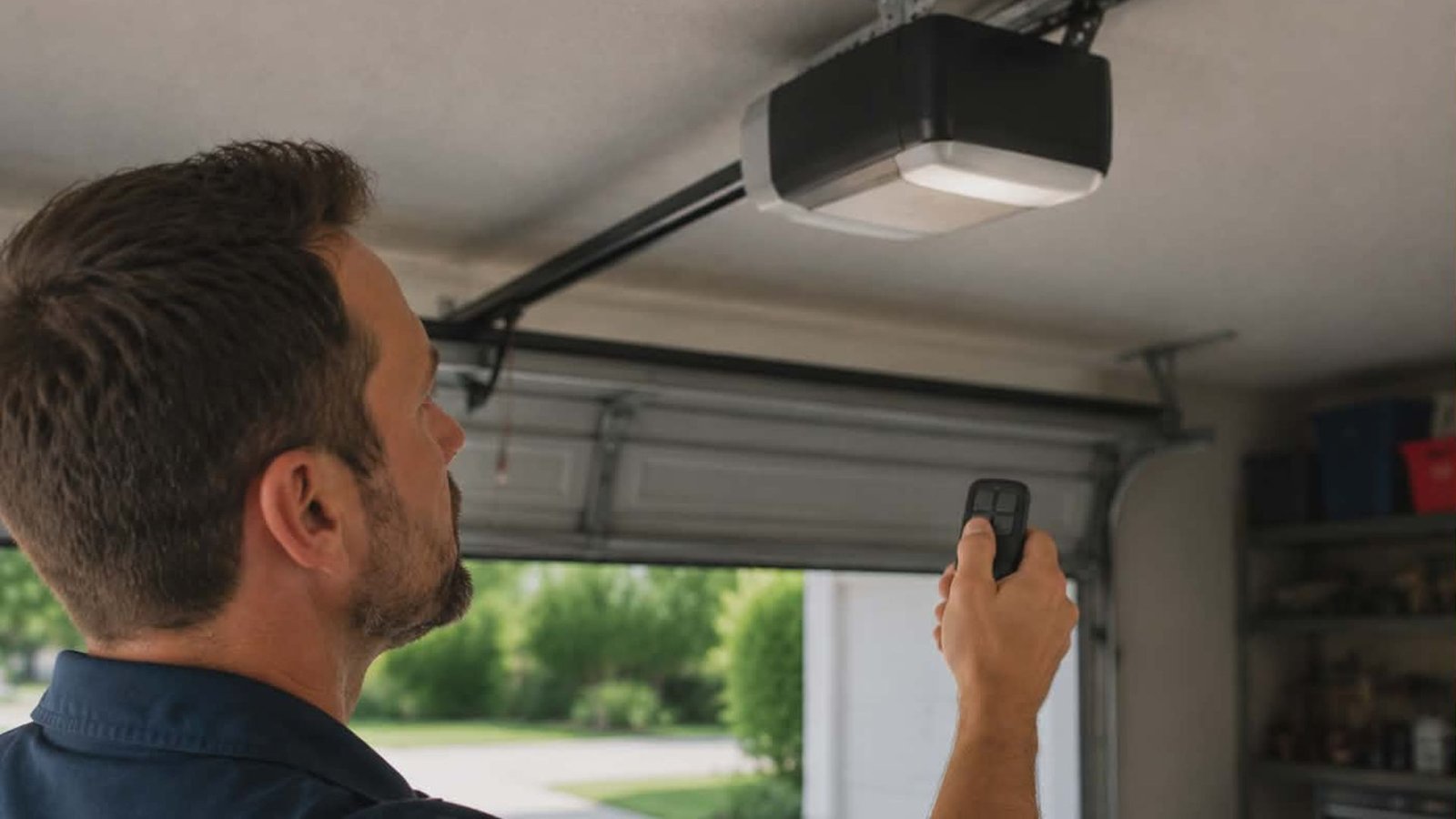
Press and hold the button on your garage door remote control for a few seconds until the opener light blinks or you hear two clicks. That blink confirms the remote has been successfully paired.
Step 4: Test It
Stand a reasonable distance from the door and press the button on your garage door remote. If the door moves, you are done. If not, repeat the process and make sure you are within range.
When You Need To Reprogram Each Remote
If you have multiple remotes or just replaced your opener, you will need to reprogram each remote individually. The same programming steps apply, but clear all previous codes from the motor unit first using the learn button.
For newer “smart” openers, you may also be able to sync through an app. Always follow your specific model’s instruction guide for the most accurate process.
Still Having Trouble?
Sometimes the issue is not the remote but the opener itself. A worn-out remote or keyless-entry system, a faulty button, or a damaged overhead unit may require a closer look. Our team offers garage door opener repair and installation services for exactly these situations.
You can also explore professional garage door repair in The Woodlands if the door itself is not responding properly. And if you want to avoid future issues, consider routine garage door maintenance services to keep everything running smoothly.
For homeowners thinking about an upgrade, check out our new garage door installation options to find the right fit for your home.
Conclusion
Syncing garage doors to a remote is a quick process once you know the steps. Most homeowners can do it in under five minutes. But if your opener is not responding, your remote or keyless-entry system is damaged, or you’re dealing with a larger mechanical issue, do not guess. Contact 2Quick Garage Doors Woodlands at (346) 574-0359 for fast, reliable help. Our team is ready to make sure your garage door remotes and opener work exactly as they should.