
How to Get Your Garage Door Opener Force Adjustment Just Right for Smooth, Safe Operation
If your garage door stops halfway, reverses unexpectedly, or struggles to open and close all the way, there is a good chance the force setting on your opener needs attention. Getting your garage door opener force adjustment dialed in correctly is one of the most overlooked parts of routine maintenance – and one of the most important.
What Is a Force Adjustment and Why Does It Matter?
The opener uses a set amount of force to push your door up and pull it down. If that force is set too high or too low, the door will behave unpredictably. Incorrect force settings can lead to property damage, increased wear on parts, or even injury if the door fails to reverse when it should.
Most modern openers – including LiftMaster and Chamberlain models – come with built-in adjustment controls that let you fine-tune how much power is applied during operation.
How to Locate the Adjustment Controls on Your Opener
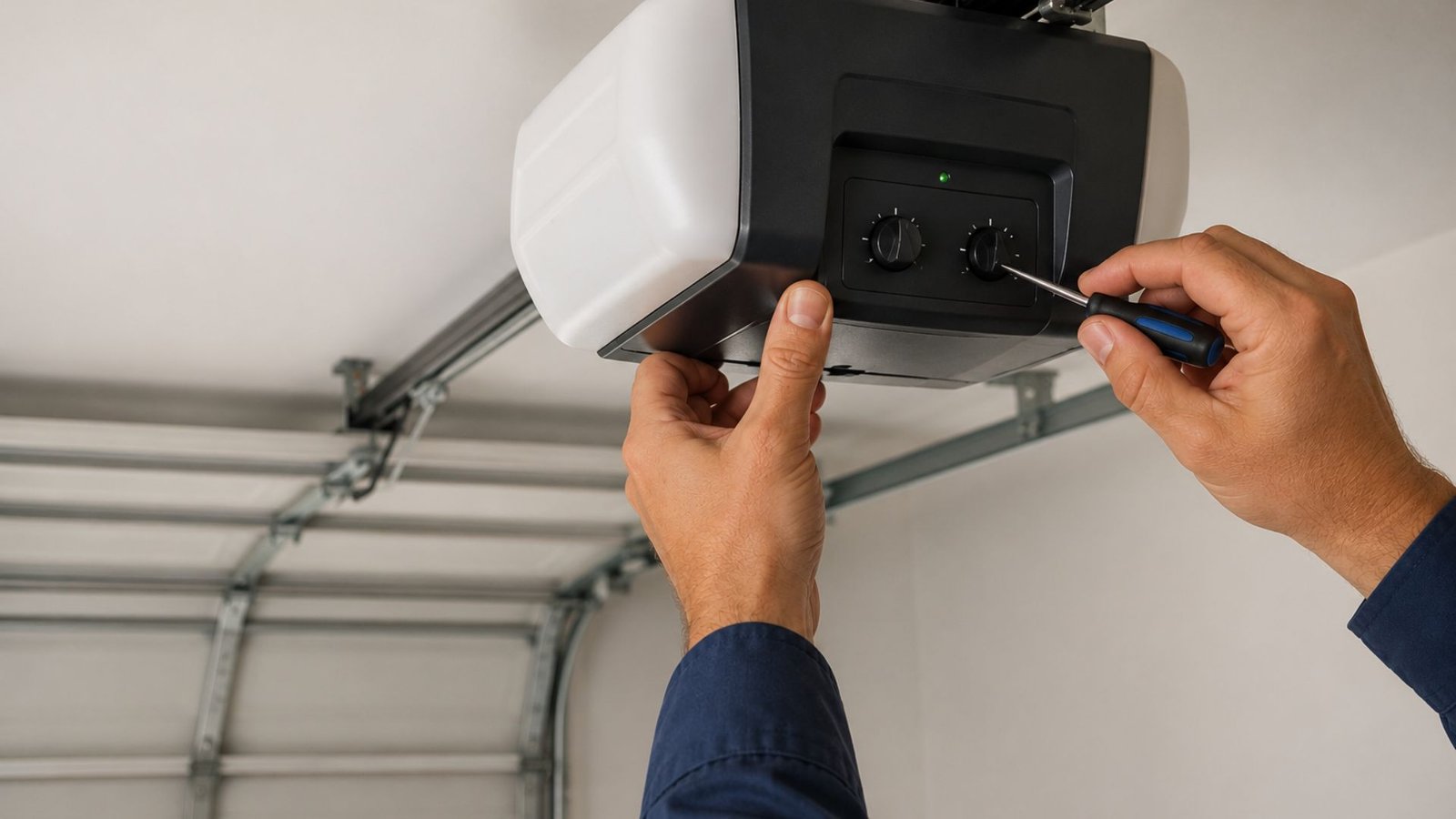
Before you adjust force settings, check your owner’s manual. Most garage door openers with manual adjustment controls will have labeled dials or adjustment screws on the back or side of the motor unit.
For a LiftMaster garage door opener, you will typically find separate dials for up force and down force. The labels are usually marked with a plus and minus symbol, making it easy to adjust the travel and force settings without guessing.
How to Adjust Force Settings Step by Step
Check Trolley Travel on Rails First
Before touching anything, check the trolley’s travel on the rails to rule out a mechanical issue. If the trolley is binding or misaligned, no amount of force adjustment will fix the problem cleanly.
Also, take a moment to rule out a safety sensor problem. If the opener’s lights are blinking, you may have issues with the sensors that need to be resolved before adjusting anything else.
Adjust the Up Force Setting
To test the up force setting, press the button to open the door. If the door stops without opening completely, you may need to increase the upward force. Try turning the adjustment screw clockwise in quarter-turn increments, then retest after each adjustment.
Inadequate up force can cause the door to stop on its way up, which is frustrating and potentially a safety issue.
Adjust the Down Force Setting
Make sure that the downforce is not set too high. To test this, try to stop the door using your hand while the door is closing. The door should still stop if you catch it with moderate resistance – if it does not reverse and open back up, reduce the down force immediately.
Making small adjustments here matters. Turn the screw a quarter-turn at a time and test the new settings to make sure the force isn’t excessive.
Testing After Every Adjustment
Once you adjust force settings and test the new results, check the door for smooth operation throughout the full cycle. Make sure the door closes and opens completely without hesitation.
If the door freezes on the way up or the garage door freezes mid-cycle, fix any problems you find before using the door again. Also, check for anything caught in the path of the door that could interfere with travel limits.
Retest after each adjustment until the door opens and closes easily and the door stops and reverses at the right moments.
When to Call a Professional
If you have gone through all the steps to adjust the garage door opener force and the issue persists, it may be time to bring in a technician. There are situations – like limit and force conflicts or worn hardware – where a DIY approach will not get you there. You can also find helpful visual walkthroughs on YouTube if you want to see the process before attempting it yourself.
Conclusion
Getting your garage door opener force adjustment right keeps your door operating safely and extends the life of your equipment. If you have worked through the steps above and still cannot get consistent results, the team at 2Quick Garage Doors Woodlands is ready to help. From opener repair to full maintenance visits, they bring the expertise to get things working correctly the first time. Call (346) 574-0359 to schedule service today.