
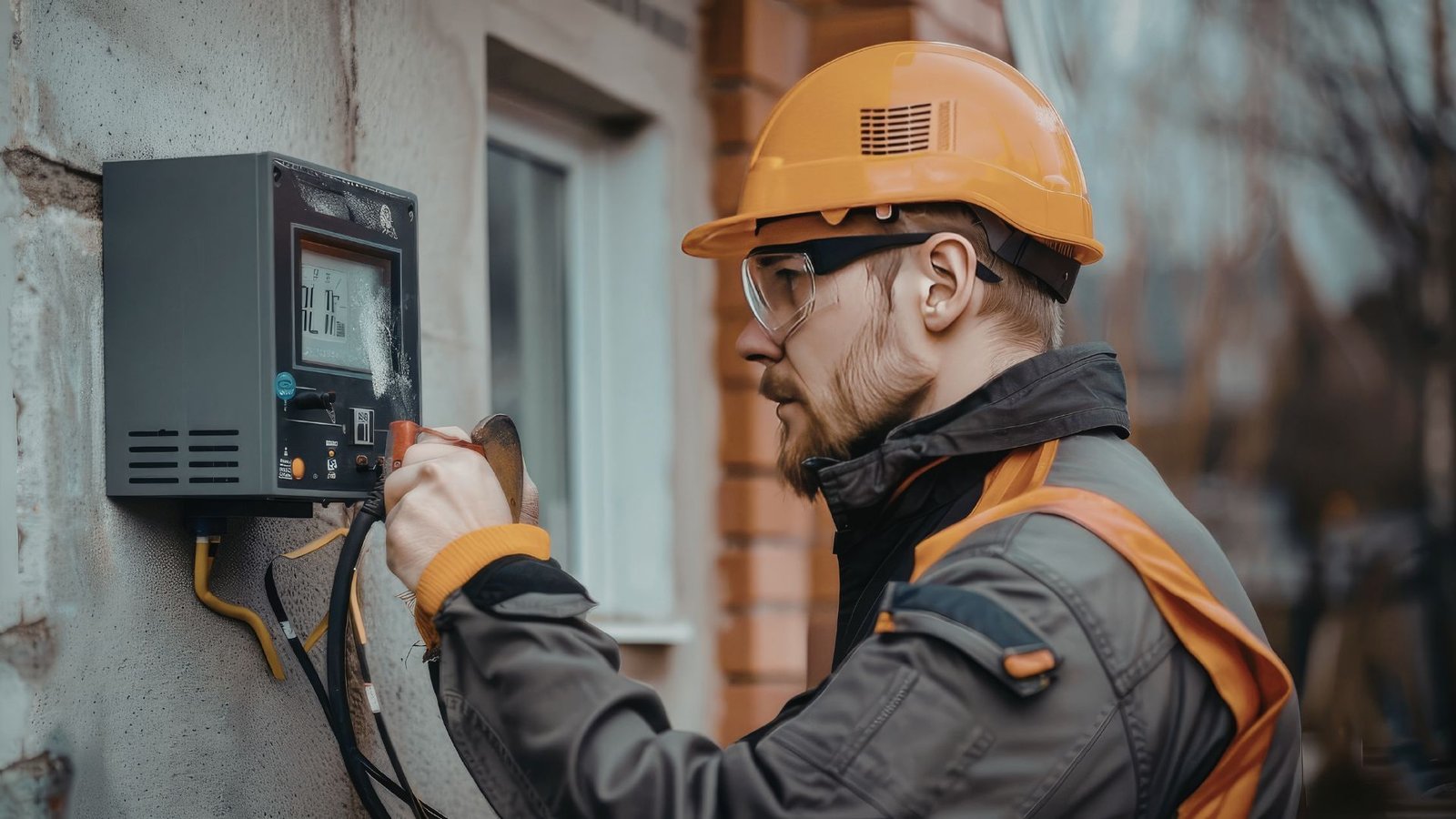
8 Automatic Gate Troubleshooting Solutions
An automatic gate is one of the best investments you can make for your home or business. It adds security and convenience without requiring you to step out of your vehicle every time you come and go. But like any mechanical system, things can go wrong, and when they do, it can feel overwhelming if you don’t know where to start.
The good news? Many common problems with automatic gates are easier to fix than you’d expect. This troubleshooting guide will walk you through the most frequent issues, what causes them, and how to get your gate back up and running as quickly as possible.
Why Your Automatic Gate Isn’t Working: Start Here
Before you call anyone, take a few minutes to observe what’s actually happening. Is the gate not opening at all? Does it open partially and stop? Is it making an unusual noise? Your answers will point you toward the right fix.
The first thing to check is always the power supply. Without a consistent voltage reaching your gate opener, nothing else will work correctly. Check whether your circuit breaker has tripped; a power outage can reset or shut down the system.
If the circuit breaker looks fine but the gate still isn’t responding, inspect the transformer and wiring connections near the motor housing. Loose electrical connectors or corroded wires can interrupt the signal and prevent the gate opener from receiving commands.
Common Gate Opener Problems and How to Fix Them
Remote Control Issues
One of the most common causes of a gate not opening is a problem with the remote control or keypad rather than the gate itself. If you press the button and nothing happens, replace the batteries first. It sounds obvious, but dead batteries are responsible for more service calls than you’d think.
If new batteries don’t help, the issue may involve signal interference. Nearby electronic devices, including Wi-Fi routers, radio transmitters, and other electronics, can disrupt the signal between the remote and the gate opener. Try operating the remote from different distances and angles.
When signal interference isn’t the culprit, check whether you need to reprogram the remote.
Refer to your gate opener’s manual for instructions to reprogram the remote, since the steps vary by brand. Most systems have a “learn” button on the receiver that allows you to re-sync your remotes.
Gate Not Opening or Closing Fully
If your automatic gate isn’t traveling all the way open or closed, the limit switch is likely the problem. The limit switch tells the gate opener how far to move in each direction. When it’s misaligned or worn, the gate may stop short or reverse before completing its cycle.
Check the limit switch settings on your gate opener’s control board and adjust them according to the manufacturer’s instructions. This is one of those issues that’s fixed with simple adjustments in most cases, but it requires careful attention to avoid over-correcting.
Sensor Malfunctions
Safety sensors are a critical part of any automatic gate system. They detect obstructions in the gate’s path and prevent the gate from crushing objects or people. If your sensors are dirty, misaligned, or damaged, the gate may refuse to open or close even when nothing is blocking it.
Inspect the sensor lens on both sides of the gate. Dust, debris, spider webs, and moisture can all cause false readings. Wipe the lens clean and make sure both sensors are pointed directly at each other. If the alignment is off, the gate opener will interpret this as an obstruction and stop operation.
Wiring can also be a problem here. Check the wires running from each sensor back to the control board for signs of wear, corrosion, or a short circuit. Damaged wiring that causes sensor malfunctions is more common than most people realize.
Troubleshooting an Automatic Gate Opener That Won’t Run
Check the Motor and Control Board
If your automatic gate opener powers on but the gate won’t move, check the motor and control board for error indicators. Many modern gate openers display fault codes on a small screen or use LED blinks to communicate what’s wrong. Consult your manual to decode these signals.
The actuator, the component that physically moves the gate, should also be inspected. For swing gate openers, the actuator arm connects the motor to the gate hinge. For a sliding gate, the actuator drives a gear and rack system along the bottom of the gate. If the actuator is seized, damaged, or disconnected, the gate won’t move regardless of what commands the opener receives.
Manual Mode as a Diagnostic Tool
Most gate openers include a manual mode that allows you to operate the gate by hand when power is unavailable or during troubleshooting. Switching to manual mode helps you determine whether the problem is mechanical or electrical.
If the gate moves smoothly in manual mode, the issue is almost certainly in the opener’s electrical components, the control board, actuator, or wiring. If the gate is stiff or hard to move manually, you’re likely dealing with a mechanical problem such as a worn-out roller, a damaged hinge, or debris caught in the track.
Power Issues and Solar Panel Systems
Electric gate openers that rely on a solar panel for power can experience unique power issues, especially during extended cloudy periods. Check whether the solar panel is clean and positioned to receive full sunlight. A dirty or shaded panel may not generate enough voltage to keep the battery charged.
Use a multimeter to measure the battery’s voltage. Most automatic gate systems run on extra-low voltage DC power, so a reading significantly below the rated voltage means the battery needs to be replaced. If the breaker continues to trip after a power outage, there may be a short circuit in the system that requires a closer inspection.
Mechanical Issues That Prevent the Gate From Moving
Hinges, Rollers, and Moving Parts
The gate’s moving parts take a lot of abuse over time. For swing gate openers, inspect each hinge carefully for signs of rust, corrosion, or bending. A damaged hinge can throw the gate out of alignment and put excessive strain on the actuator.
For sliding gates, the roller system is critical. Inspect each roller along the bottom track for wear, flat spots, or debris buildup. A single damaged roller can cause the entire gate to bind and stop mid-cycle, which the gate opener will detect as a malfunction.
Smooth operation depends on proper lubrication. Lubricate moving parts regularly using a lubricant appropriate for metal components; silicone-based or lithium-based products work well.
Make sure to lubricate the hinges, rollers, and gear rack if your system uses one. Regular lubrication helps prevent the gate from seizing and reduces wear on the actuator and motor.
Misalignment and Track Problems
Misalignment is a common gate issue that’s often overlooked. If the gate has shifted over time due to ground movement or post settling, it may no longer travel in a straight path. This causes binding, unusual noise during opening and closing, and eventually a full malfunction.
Inspect the gate posts and track for any visible shifts. A misalignment often causes visible gaps or uneven movement that you can spot during a slow manual operation test. Addressing this early prevents further damage to the gate opener and actuator.
When to Call for Professional Gate Repair
Troubleshooting common problems yourself can save time and money, but some gate issues go beyond what a homeowner should attempt to fix. If you’ve worked through these troubleshooting steps and your electric gate still isn’t working properly, it’s a sign that something more serious is involved, possibly a failed control board, damaged actuator, or complex wiring problem.
Attempting to handle the repair process without proper tools and experience can make the issue worse and potentially create safety risks. For these situations, reaching out to professionals who specialize in gate repair is the right call.
At 2Quick Garage Doors Woodlands, our technicians provide professional gate repair services in The Woodlands, TX, handling everything from sensor replacements to full actuator repairs. If you’re also considering upgrading your existing setup, we offer custom gate installation to help you choose a system that fits your property and lifestyle.
We also handle garage door opener repair and installation for customers with attached garages, and our team is available for expert garage door repair when needed.
Maintenance is essential to keep the gate working correctly for years to come. Scheduling routine inspections helps catch small problems before they become expensive ones.
Conclusion
Most automatic gate problems come down to a handful of common causes – power issues, remote control problems, sensor misalignment, and worn moving parts. With a methodical approach and basic tools, you can troubleshoot many gate issues yourself and get things working properly again. But when the problem goes deeper, don’t hesitate to call in professionals.
Contact 2Quick Garage Doors Woodlands at (346) 574-0359 or visit garagedoorswoodlandstx.com to schedule a service call and get your gate back up and running fast.