
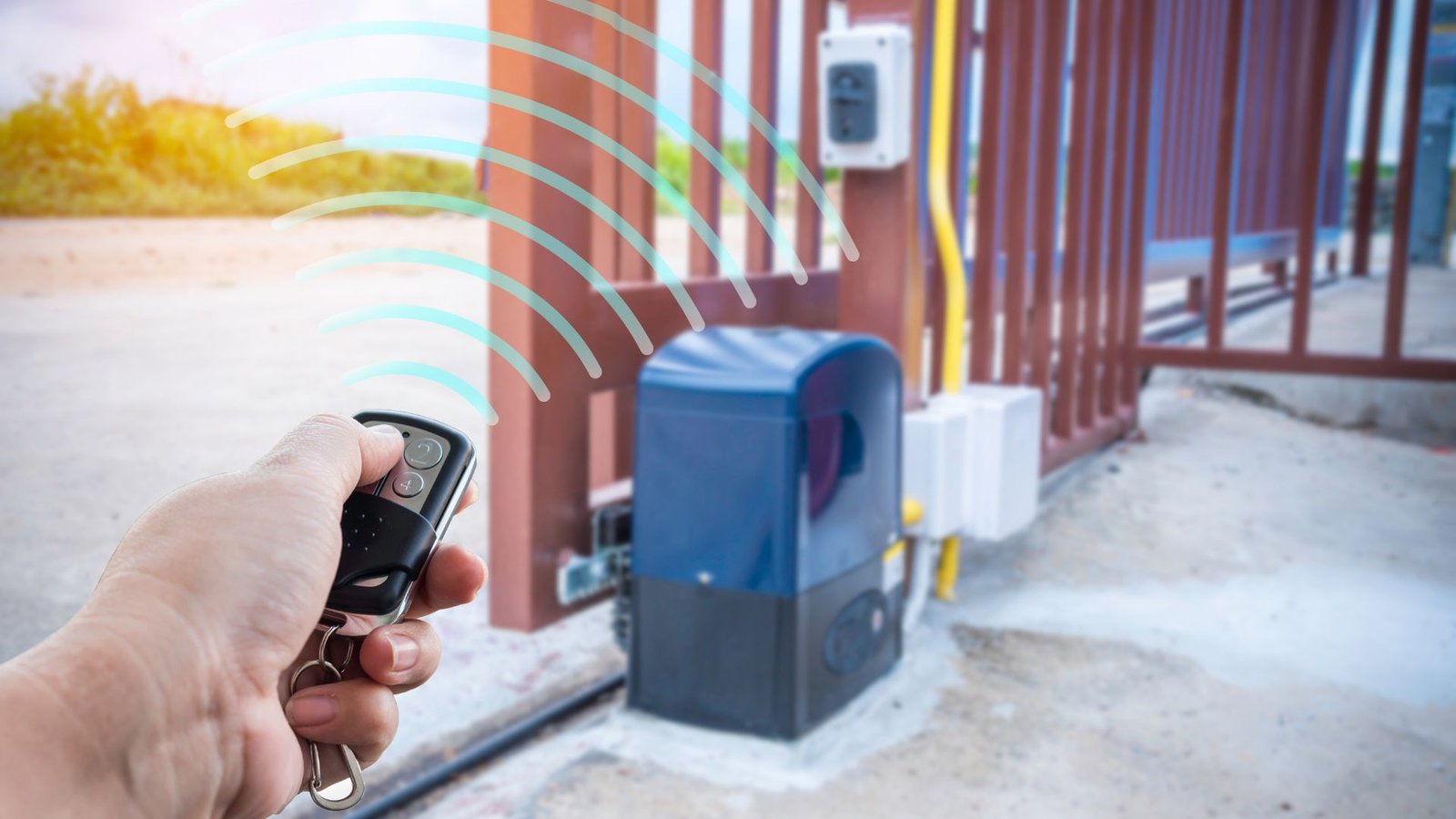
Electric Gate Not Working? Quick Fixes To Get Your Gate Moving Again
An electric gate is supposed to make life easier. You press a button, the gate opens, and you’re on your way. So when an electric gate stops working, it’s frustrating fast.
Automatic gates are a great way to add security, privacy, and convenience to your home or business in The Woodlands, Texas. But like any mechanical system, they can have issues. If your gate isn’t working, don’t panic. Many common electric gate problems have simple explanations, and some even have quick fixes.
Let’s walk through what might be happening and what you can safely check before calling in the pros.
Why Your Electric Gate Isn’t Working
When a gate won’t open, it usually comes down to one of three things: power issues, mechanical resistance, or a component malfunction. The good news is that most gate problems follow patterns.
Below are some of the common reasons your automatic gate may stop moving and how to troubleshoot them.
Start With the Basics: Power Supply and Reset Checks
Before diving into motors and wiring, always check the simplest explanation first. A surprising number of service calls end up being traced back to the power source.
Check for Power Issues
If your automatic gate not opening is your main concern, ask yourself:
- Has there been a recent power outage?
- Did a circuit breaker trip?
- Is there a tripped breaker or disconnected power supply affecting the system?
Your gate system relies on steady electricity. If it is not receiving power, the gate remains completely unresponsive. Go to your main panel and inspect the circuit breaker that controls your gate. Reset it if needed.
If your unit has a backup battery, make sure it is charged. A dead battery can prevent the gate from operating properly during or after an outage. Some systems switch to battery automatically, and if that battery is weak, you may see partial movement or strange behavior.
If everything looks normal but the gate isn’t responding, the issue may lie deeper within the control board or internal wiring.
Remote Control, Keypad, and Access Control Issues
Sometimes the gate isn’t the real problem. The signal never makes it there.
Test the Remote and Transmitter
Try standing closer with your remote control. Replace the battery if needed. Interference from radio signals or a failing transmitter can cause the gate that won’t respond to seem like a bigger issue.
If you have multiple remotes, test another one. If one works and the other does not, you know it is not the motor or gate opener.
Check the Keypad and Button
If your keypad or wall button does not activate the opener, inspect it for damage or moisture. Rain and humidity in The Woodlands can affect electronics over time.
Make sure the keypad lights up and that it is sending a signal. Faulty access control systems are one of the more common issues that can prevent the gate from operating.
Inspect the Sensor System
Your safety sensor is designed to stop the gate if something is in the way. That is a good thing, but it can also frustrate you if it is misaligned or dirty.
Look for Obstructions
Walk along the gate path and remove debris, branches, or small items. Even a small obstruction can cause the gate to stop or reverse.
Make sure the gate can move freely without scraping. Sliding gates, in particular, are sensitive to buildup in the track.
Clean and Align Sensors
Check the sensor alignment on both sides. If they are slightly off, the system may think something is in the way and prevent the gate from closing.
Carefully clean sensor lenses with a soft cloth. Dirt, corrosion, or spider webs can interfere with the signal. When you clean sensor lenses regularly, you help prevent unexpected shutdowns.
A faulty sensor can prevent the gate from opening or closing consistently. If the sensor appears damaged or the wiring is loose, this may require automatic gate repair by a trained technician.
Check for Mechanical Resistance and Wear
If your gate is stuck or making unusual noises, the problem could be mechanical rather than electrical.
Inspect Moving Parts
Open the housing and inspect the gate motor area visually. Do not touch internal components if you are unsure. Look for signs of wear, broken gears, or corrosion.
Lack of lubrication can create friction and unnecessary strain on the motor. Over time, that extra strain on the motor may cause the motor to fail, a scenario no one wants.
Apply appropriate lubrication to hinges, rollers, or tracks. This helps keep your gate functioning smoothly and supports long-term gate reliability.
Sliding Gates and Track Problems
Sliding gates are especially prone to track issues. Dirt, small rocks, or driveway debris can build up and create resistance.
Make sure the gate path is clear and level. A warped track or sagging gate can cause the gate to move unevenly or get stuck halfway.
If you hear grinding or harsh noise, stop using the system. Continuing to operate a struggling motor can cause further damage.
Resetting the System and Manual Mode
If your gate suddenly stops mid-cycle, it could have switched into manual mode.
Check the Manual Release
Most automatic gate systems include a manual release for emergencies. If someone accidentally engages it, your gate may be stuck in manual mode.
Re-engage the automatic setting and secure the manual release properly. Make sure the gate is fully latched before testing again.
If the gate is still unresponsive, try a system reset. Turn off the power supply for a few minutes, then restore it. This simple step can clear minor glitches in the control board.
If the control board is damaged or showing burn marks, that is not a DIY fix. Electrical wiring repairs should be handled by a professional for safety and risk management.
When the Motor or Opener Is the Problem
If everything else checks out, it may be time to inspect the motor more closely.
Signs the Gate Motor Is Failing
You may notice:
- The motor hums but does not move the gate.
- You hear clicking, but no action.
- The gate doesn’t open fully or stops halfway.
- The gate won’t open even though it sounds like it is trying.
In these cases, check the motor housing for overheating. If you see or smell burnt components, do not continue running it.
A faulty opener or worn internal gear can cause the gate to open improperly. Gate opener troubleshooting sometimes reveals stripped gears or damaged capacitors.
If you are unsure how to inspect the motor safely, it is best to call a professional. Working around a high-voltage automatic gate system carries serious risk.
For reliable professional gate repair services in The Woodlands, experienced technicians can quickly diagnose whether the issue is with the gate motor, opener, or internal electronics.
Common Electric Gate Problems in The Woodlands
Living in The Woodlands means dealing with heavy rain, humidity, and debris from nearby trees, all of which can affect how gates operate.
Common electric gate problems here include:
- Water intrusion is damaging the control board
- Corrosion affecting electrical wiring
- Debris blocking sliding gates
- Sensor misalignment after storms
- Power issues following a power outage
Regular automatic gate maintenance helps prevent downtime and costly repairs. A quick inspection every few months can catch small issues before they become major ones.
When to Call a Professional
There is a difference between basic troubleshooting and a problem that needs expert care.
You should call a professional if:
- The gate is still not working after basic checks.
- The gate motor makes loud noises or overheats.
- You suspect a control board failure.
- Electrical wiring appears damaged.
- The gate remains completely unresponsive.
Electrical systems, automation components, and access control equipment are best handled by a professional who understands safety standards.
At 2Quick Garage Doors Woodlands, our technicians handle both gate repair and full system diagnostics. If your gate isn’t working, we can inspect the entire setup and recommend the most cost-effective fix.
If your issue goes beyond repair, we also provide expert gate installation in The Woodlands, TX, for homeowners who need a modern, reliable upgrade.
And if you are also dealing with garage door openers or door-related automation problems, our garage door opener repair and installation services can address those as well. For long-term reliability, consider scheduling comprehensive garage door maintenance services at the same time to keep everything operating properly.
Keep Your Gate Working Properly
The best way to avoid a gate that doesn’t budge is preventative care.
Regular automatic gate maintenance should include:
- Visual inspection for signs of wear
- Lubrication of moving parts
- Testing the sensor and safety reversal
- Checking the power supply and battery
- Ensuring your gate opens and closes smoothly
If you keep your gate clean, aligned, and well-lubricated, you significantly reduce the chances of sudden malfunction. Preventive maintenance can help prevent expensive repairs and extend the life of your gate type, whether it is a swing gate or a sliding design.
Conclusion
When your electric gate is not working and disrupts your day, start with the simple checks – power, remote control, sensor alignment, and visible obstructions. Many problems have straightforward solutions, but ongoing issues or motor concerns should not be ignored. If your gate won’t open or close and basic troubleshooting fails, professional help is the safest route. 2Quick Garage Doors Woodlands offers trusted support to get your gate moving again. Call (346) 574-0359 and let experienced technicians restore safe, reliable access to your property.