
Garage Door Wall Button Not Working, But the Remote Works? Here’s How To Fix It
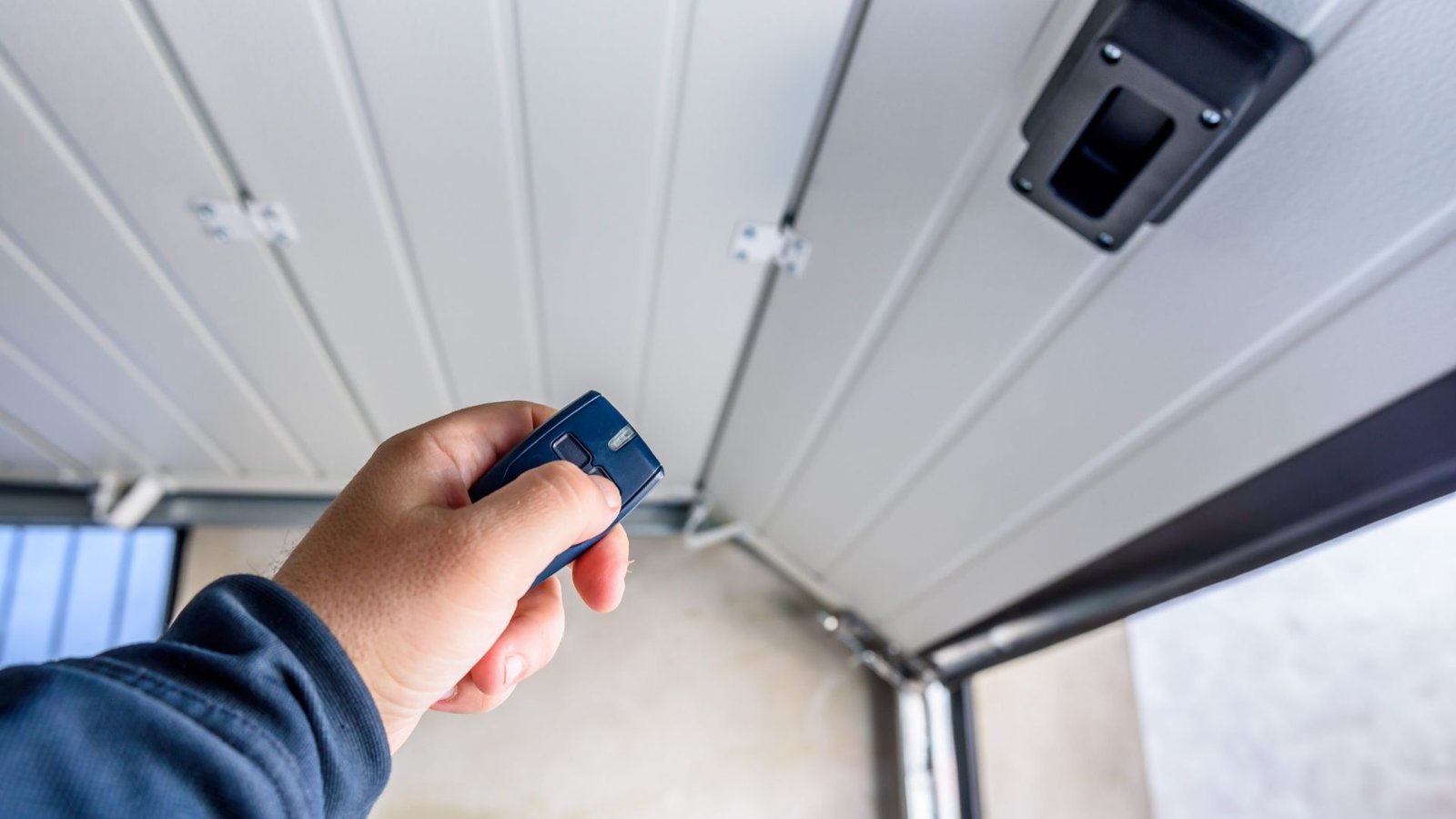
If your garage door wall button is not working but the remote works, you are not alone.
This is a very common issue for homeowners in The Woodlands, Texas. The good news: if the remote control still works, your garage door opener and motor are usually fine. The problem is almost always with the button, wall control wires, or a small wiring issue.
Below is a clear, step-by-step way to troubleshoot the problem so you can decide what you can safely try yourself and when it is time to call a professional technician.
Common causes when the garage door wall button is not working
When the door opens and closes with your remote but not from the button on the wall, the issue is usually one of these common causes:
- The wall control is locked, damaged, or its contacts are worn.
- Low voltage or loose electrical wiring at the screw terminal.
- Broken or shorted wire between the button and the garage door opener motor unit.
- The logic board inside the opener has a bad circuit for the wall control.
- A recent power outage or surge confused the electronics and a simple reset is needed.
The fact that the door moves from the remote means the power supply and power source are probably fine and the safety sensor system and photo eye are doing their job.
Check the garage door opener power supply and safety basics
Before touching anything, confirm the opener actually has power and is safe to work around.
- Look at the opener housing on the ceiling and confirm that the LED light or indicator on the unit is on.
- Make sure the circuit breaker for the garage is not tripped.
- Verify the photo eye sensors near the bottom of the garage door are aligned and their LED lights are solid, not blinking.
- If needed, unplug the opener and plug it back in to perform a basic reset (computing) style reboot of the electronics.
If the opener runs from the remote and the door operates normally, you can move on to the wall control itself.
How to troubleshoot the wall button and wall control
Most LiftMaster, Chamberlain, Genie, and similar units use a simple low-voltage wired wall control. Here is how to quickly diagnose if the wall control needs to be replaced or if it is a wiring problem.
1. Confirm that the button on the wall is the problem
Stand by the wall control and:
- Try to press the button normally.
- Then press and hold it for a few seconds.
If nothing happens and there are wall control lights (small LED indicators) that should be on but are dark, that points to power or wiring. If the button still works intermittently or only when you push very hard, the wall control is likely worn out.
Also check:
- The faceplate screws are snug.
- The cover is not cracked or full of dust and dirt.
If the button on the wall is cracked or loose, you will probably need to replace the wall control.
2. Check the wiring and connections at the wall and opener
Next, you will check the wiring at both ends.
- Turn off power at the circuit breaker or unplug the opener for safety.
- Remove the wall control from the wall and gently pull it out so you can see the wall control wires.
- Make sure the connections are secure under the tiny screws on the back of the wall control.
- At the opener on the ceiling, check the low-voltage terminal labeled for wall control or Door.
- Tighten each screw so the wires are secure in the screw terminal block.
Loose connections, corrosion, or a nicked wire can stop the button from working, even when remotes and new remotes work fine.
Simple test: bypass the wall control and test the wiring
If tightening the screws did not solve the problem, you can test the wiring with a simple jumper. If you are not comfortable with basic electrical repairs, skip this step and call a local technician.
- At the opener, disconnect the wires for the wall control from the low-voltage terminal.
- Cut a short piece of wire and wire and strip about 1/2 inch of insulation off each end.
- Use this as a jumper wire and briefly touch the bare ends to the two wall control terminals.
If the door opens or closes when you do this, the garage door working behavior tells you:
- The logic board and button on the motor unit circuitry are fine.
- The problem is likely in the wire run in the garage door wall or in the wall control itself.
If the jumper does nothing, the garage door opener’s internal wall-control circuit or logic board may be faulty, and the unit needs to be replaced or professionally repaired.
Try a garage door opener reset and learn button check
Since your remote control still works, we know the radio side is fine, but it can still help to verify the learn button and memory.
- Locate the button on the motor (also called the button on the motor unit) typically labeled “Learn” on LiftMaster, Chamberlain, and others.
- Lightly tap the learn button and confirm the LED light near it responds.
- Do not hold it long enough to erase remotes, unless you plan to reprogram with a new remote or new remotes.
- Follow the manufacturer’s instructions for a soft reset if available.
If the garage door opener isn’t responding properly to this or the logic board is acting erratically, that again points toward internal electronic failure instead of the wall button.
When to call a professional technician in The Woodlands, Texas
If you reach any of these points, it is better to call a professional:
- You are not comfortable working with low-voltage wiring or electrical repairs.
- The jumper test worked, but you cannot easily rerun new wire inside the wall and disconnect the old cable.
- You suspect a bad logic board inside the opener.
- You prefer a reliable, warrantied repair instead of replacing parts blindly with trial and error.
In The Woodlands, Texas, a trusted local team can inspect the garage door opener motor unit, check the garage door balance and sensor alignment, take voltage readings, and safely fix the problem. If needed, they can provide full garage door opener repair and installation services, including upgrading old wall controls and remotes.
Conclusion: Get your garage door working from the wall again
When the wall control isn’t working but the remote work function is fine, the issue is usually simple: loose connections, damaged wire, or a failed button. With a few safe checks at the wall, at the opener terminal, and a quick jumper test, you can narrow down the cause and often solve the problem quickly.
Try the basic checks above, confirm that the button and connections are secure, and do a simple reset if needed. If that does not restore normal open and close operation, bring in a qualified technician in The Woodlands, Texas to handle the rest so your door opens and closes reliably at the touch of a button again.
If you are ready for expert help with repair, replacement, or an upgrade, reach out to a local specialist for dependable garage door opener repair and installation and get your system back to normal today.